Screenshots
A picture is worth a thousand words. So to save a few words, we have created the screenshot tool below to see commonly used pages of ProEdge. This will help you see the ease of which ProEdge can integrate into your practice. If you like what you see go to our
Request Demo page to request a free demo from one of our trainers.
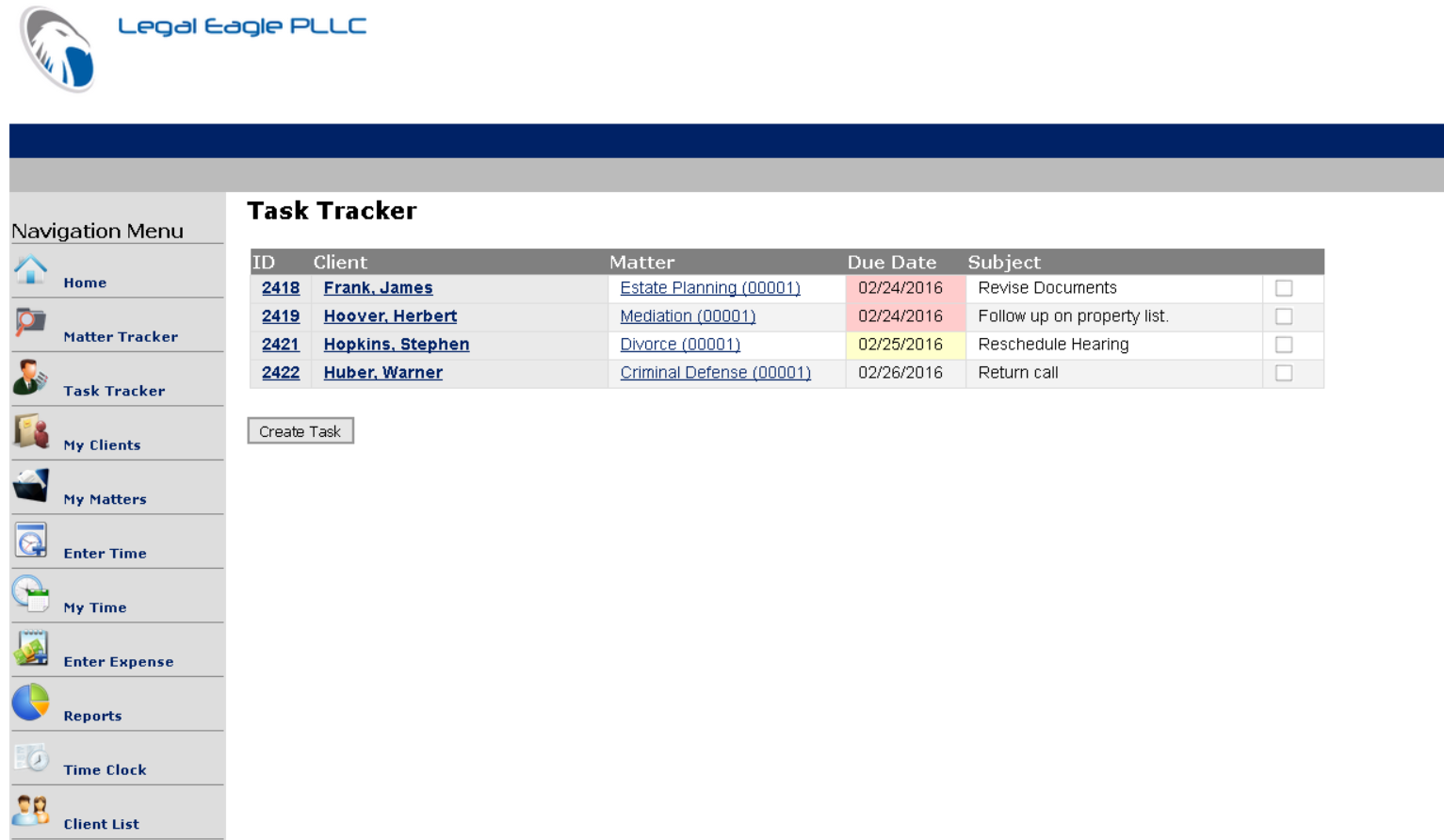 The Task Tracker shows a snapshot of all active tasks. Task due dates are color coded to let you know when tasks are past due, due today, or occure in the future.